
The Import button in the main window's toolbar lets you connect a Kingshot account you already play on to the bot, so the bot can control it. Click the arrow next to Import to choose how you want to sign in.
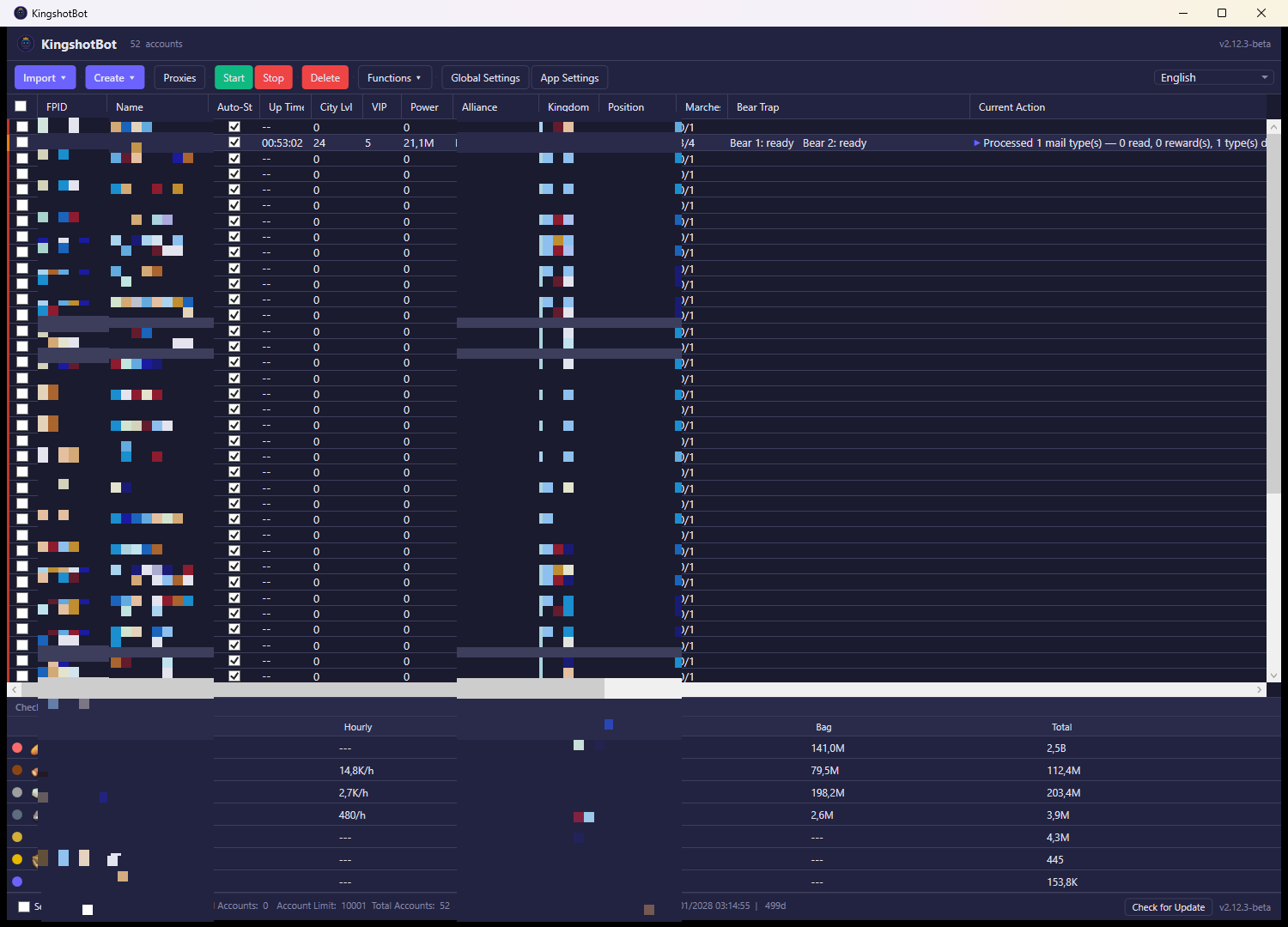
What you see
Clicking Import ▾ opens a small menu with three options:
- FPID Login (manual) — opens a form with two fields, FPID and Session Key, plus an Add Account button.
- Google — starts a Google sign-in flow.
- Facebook — starts a Facebook sign-in flow.
What you can do
FPID Login (manual)
This is for players who already have their account's numeric player ID (FPID) and session key — for example from a previous export, or from another tool. Type both values into the form and click Add Account.
- The bot checks that no account with that FPID is already in your list; if one exists, it shows an error instead of adding a duplicate.
- On success, the account is added to your main list, a proxy is automatically assigned to it if proxies are enabled, and your default settings profile (if you've set one in App Settings) is applied to it automatically.
- If the FPID or session key is invalid or expired, the form shows an error message and nothing is added.
Google / Facebook
These open a sign-in window for that provider (an embedded browser). Log in with the Google or Facebook account that's linked to your Kingshot game profile, the same way you would when opening the game itself.
- Once you sign in successfully, the bot exchanges that login for the game account's credentials automatically — you don't need to find or copy an FPID yourself.
- If the account is brand new to the bot, it's added to your list, a proxy is assigned automatically if enabled, and your default settings profile is applied.
- If the account was already imported before, its login details are simply refreshed instead of creating a duplicate entry.
- If you close the sign-in window without completing the login, or the provider doesn't return everything the bot needs, nothing is added and you'll see an error explaining what went wrong.
Notes
- Importing an account doesn't affect your game account or in-game data in any way — it only lets the bot log in and act on your behalf.
- The number of accounts you can import is limited by your subscription plan; if you're at your limit, remove an account or purchase an extra slot before importing another one.