
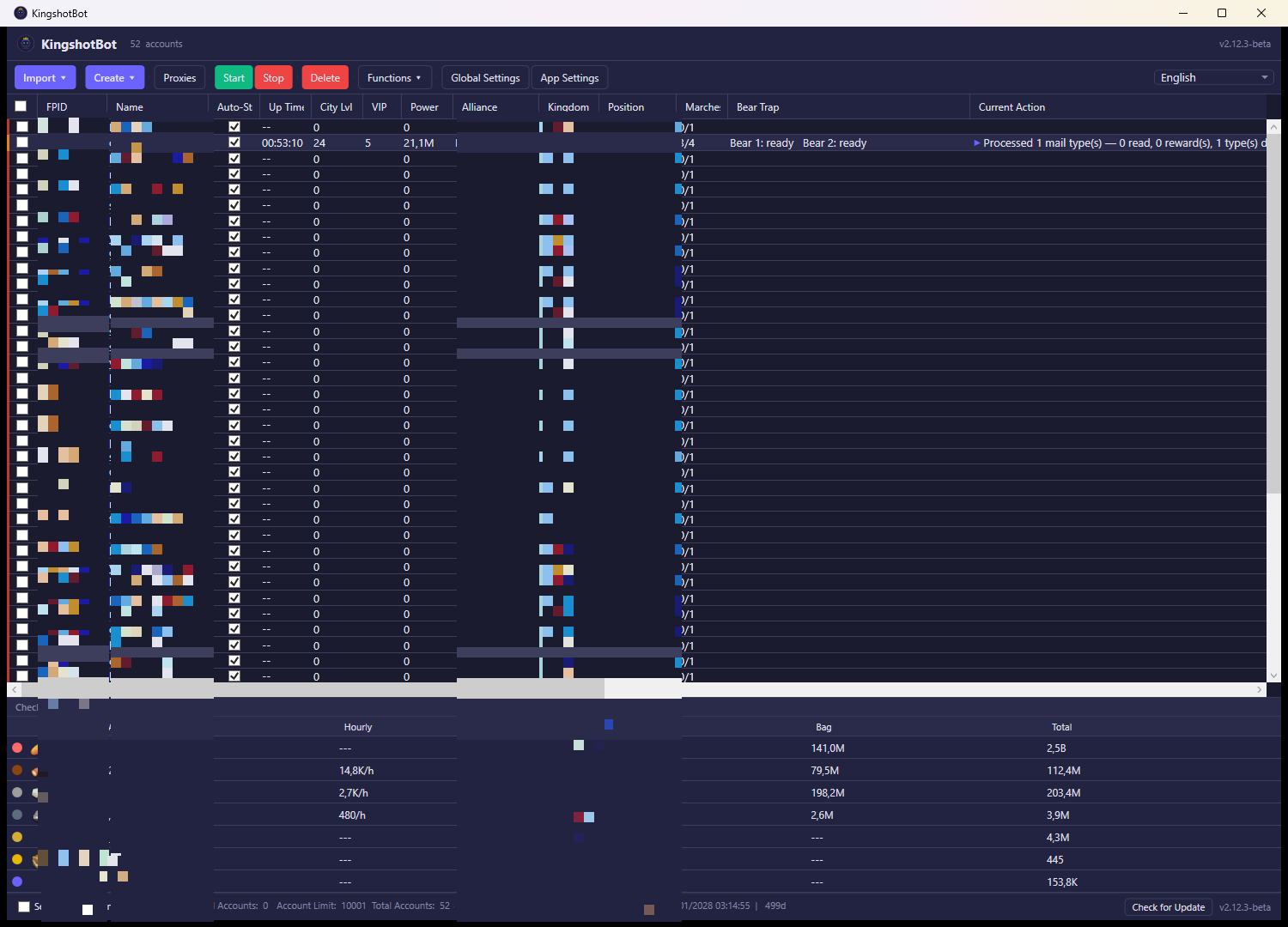
The Create button in the main window's toolbar generates a fresh, anonymous Kingshot account and adds it straight to your list — no existing player ID needed. Click the arrow next to Create to choose between creating one account or several at once.
What you see
Clicking Create ▾ opens a menu with two options:
- Create new account — creates a single new account immediately, with no extra dialog.
- Bulk create accounts… — opens a window for generating several accounts in one batch. It shows a Count field (how many accounts to create), Start and Cancel buttons, a progress bar with a status line, and a table listing each account as it's created (its number, FPID, session key, and status/error).
What you can do
Create new account
Click this and the bot immediately registers a new, anonymous game account — the same kind of account you'd get by starting Kingshot fresh without linking a social login. The bot generates a new device identity for it behind the scenes so it looks like a genuine new install.
- If proxies are enabled, a proxy is picked and attached to the account before it's even created, so the account's creation and its future logins consistently come from the same IP.
- Your default settings profile (set in App Settings, if any) is applied to the new account automatically.
- The new account appears at the bottom of your account list as soon as it's ready, with a confirmation showing its FPID.
- If something goes wrong during creation, you'll see an error dialog explaining the problem and no account is added.
Bulk create accounts…
Use this when you want several fresh accounts at once instead of clicking Create repeatedly.
- Enter how many accounts to create in the Count field — from 1 up to 100 — and click Start.
- The bot creates them one at a time, waiting 5 seconds between each creation to keep the request pattern smooth and avoid looking automated.
- The table updates live as each account is created, showing its FPID, session key, and whether it succeeded, was skipped (duplicate), or failed (with the error shown).
- The progress bar and status line track overall progress ("Creating 3 / 10…", then "Waiting 5s…", and so on).
- You can click Cancel at any time to stop after the current account finishes; accounts already created stay in your list.
- Each account created this way goes through the same process as Create new account: proxy assignment (if enabled) and your default settings profile are applied automatically.
- Close ends the session once it's finished (or cancelled) — it's disabled while a batch is actively running.
Notes
- Creating an account doesn't require an existing Kingshot login — it's a fresh account from scratch, distinct from importing one you already play on.
- The number of accounts you can keep is limited by your subscription plan; if you're at your limit, creation will fail or you'll need to remove an account or purchase an extra slot first.